


- Joined
- Oct 28, 2023
- Messages
- 8,138
- Reaction score
- 26
- Points
- 38
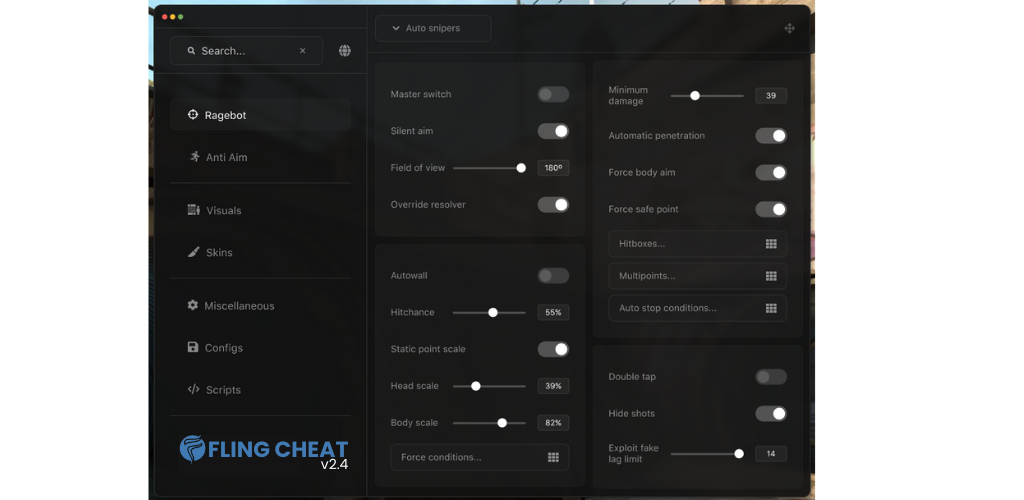
Choose Your Paul! Cheat more than +38 options. Thanks to this cheats, you can customize your game.
Developer: Paul Games
Publisher: Paul Games
Cheat Coder: CheaAtHappesn
Game About: Build bizarre Pauls. Break the run. Choose Your Paul is a strategic roguelite auto battler where you choose a unique Trainer, capture strange creatures called Pauls, craft powerful synergies through positioning and upgrades, and push through branching routes filled with battles, elites, shops, events, and bosses. You can not click on any button or write/move in the game when menu opened. You need to close menu with Insert key. Version v1.0.0 Hotfix v1, systems: Windows 8 (x64), Windows 8.1 (x64), Windows 10 (x64)

Developer: Paul Games
Publisher: Paul Games
Cheat Coder: CheaAtHappesn
Game About: Build bizarre Pauls. Break the run. Choose Your Paul is a strategic roguelite auto battler where you choose a unique Trainer, capture strange creatures called Pauls, craft powerful synergies through positioning and upgrades, and push through branching routes filled with battles, elites, shops, events, and bosses. You can not click on any button or write/move in the game when menu opened. You need to close menu with Insert key. Version v1.0.0 Hotfix v1, systems: Windows 8 (x64), Windows 8.1 (x64), Windows 10 (x64)
Download
| File | Date added | File size | Downloads |
|---|---|---|---|
 Full.Access.Choose Your Paul! Cheat-FLiNG
| |||
| Standalone Versions: | |||
 Early.Access.Plus.Choose Your Paul! Cheat
|
|||

